Tutorials
BASICS
After creating a Yola account, you can start to build your website.
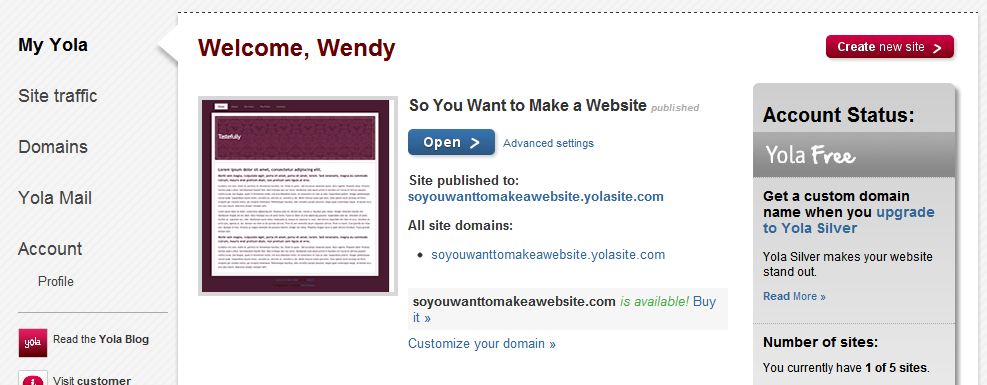
To access your website, go to "My Yola." If you have not made a website yet, you can create one from here. If you have one and you want to edit it, click "Open."
When editing your website, you will have a preview window. You edit directly in the preview.
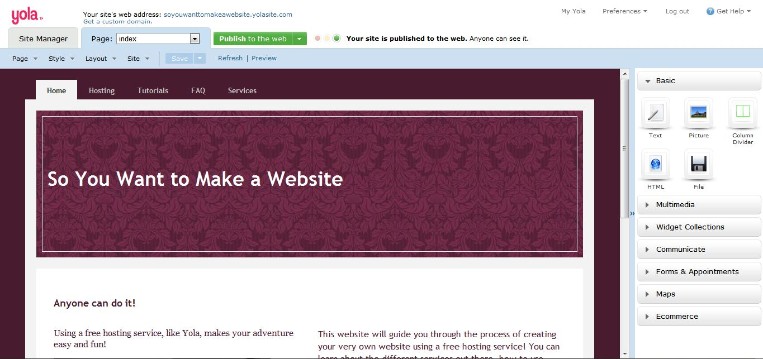
You'll notice option tabs across the top. This is where you can change settings, etc.

STYLE
Before you start editing, you'll pick a style. This is basically what your website looks like. Yola will direct you to the style gallery.
If you want to change your style, you can from the editing page. Click on the "Style" menu, then "Change Style" to go to the style gallery.
PAGES
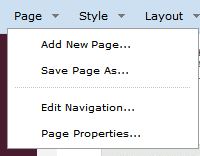
To add pages to your website, go to the main editing page. Click on "Page," then "Add New Page" at the top of the dropdown menu.
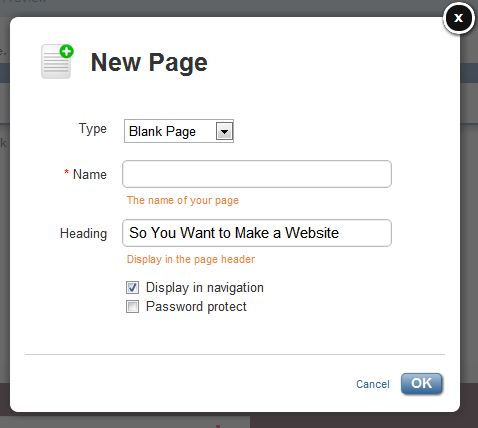
A window will pop up where you can name your page, choose a page type, and customize the heading. It's best to have your website name as the heading for every page.
ELEMENTS
Along the side of your editing preview is an elements menu.
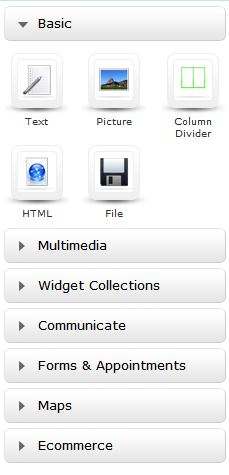
To add an element to the page, click and drag an icon. A box will appear where your element will be when you drop it. Once you've dropped it, you can customize.
There are a lot if different elements you can use, like videos, forms, and html.
BLOG
To add a blog to your website, click "Page," then "Add New Page." When the window pops up to name your page, select "Blog" from the "Type" dropdown list.
LINKS
To add a link, select the text you want as a link, then click the link icon in the text editor bar.

A window will pop up where you can customize your link.
SETTINGS
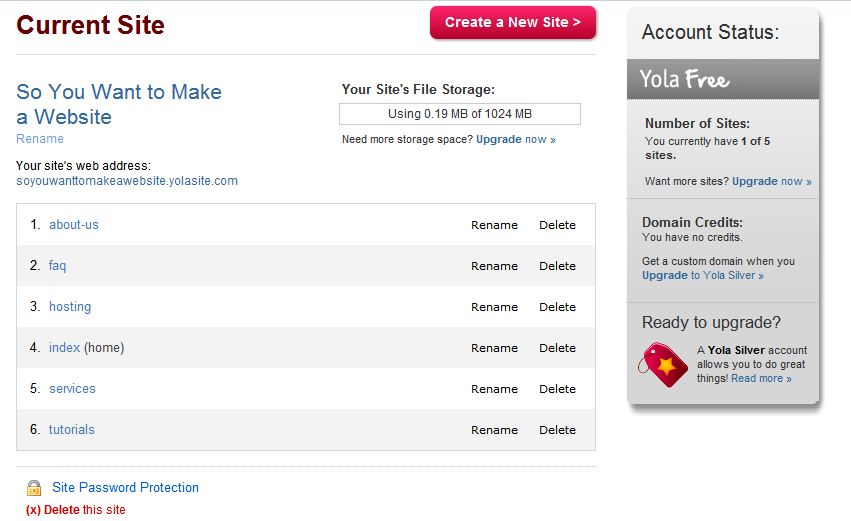
To access your site's settings, go to "Site Manager" in the upper right corner. There, you can rename or delete pages, change your site url, or delete your site.
STATS
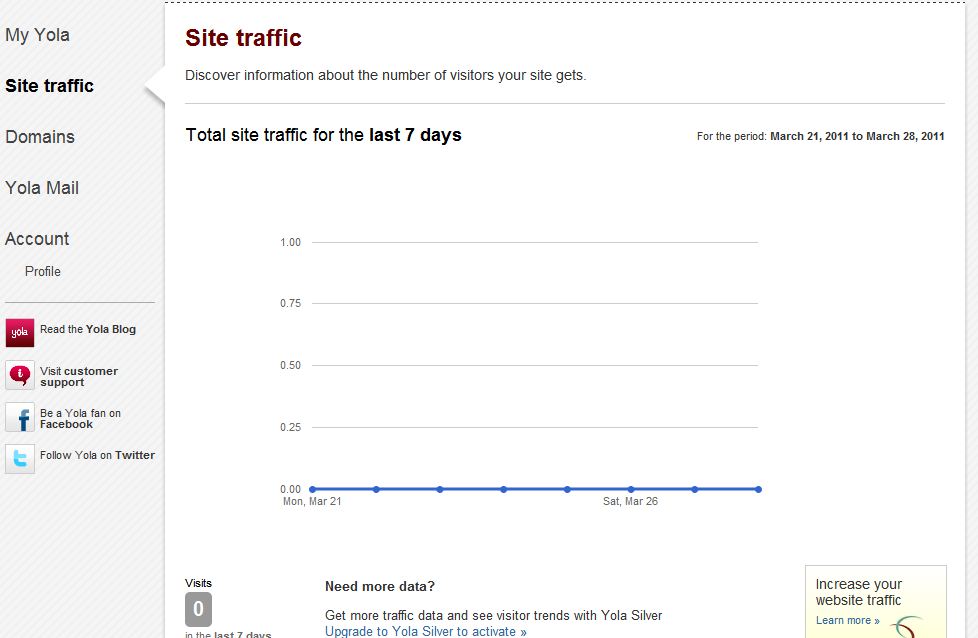
To view your site's statistics, go to "My Yola" and then "Site Traffic." You can see how many pageviews you've gotten.
DELETE YOUR SITE
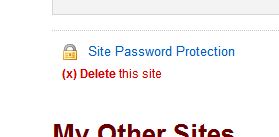
If you're absolutely sure you want to delete your website, go to "Site Manager." After the list of pages, there is a link that says "Delete this site."
If you're not sure that you want to delete it, you can un-publish your site.
There is a green box that says "Publish to the web." To the right is a down arrow. Click on the arrow, then click "Publishing Settings." There, you can un-publish your site so no-one can view it, but you still have the information.
